Choose your starting point
Describe your idea with AI, choose a template, or start with a blank page in your workspace.
YOUR AI WEBSITE BUILDER.
Bring your idea to life with AI. Start with a prompt or template, make it yours in the visual editor, and create a website you’re proud to share.
Already have access? Sign in to your workspace
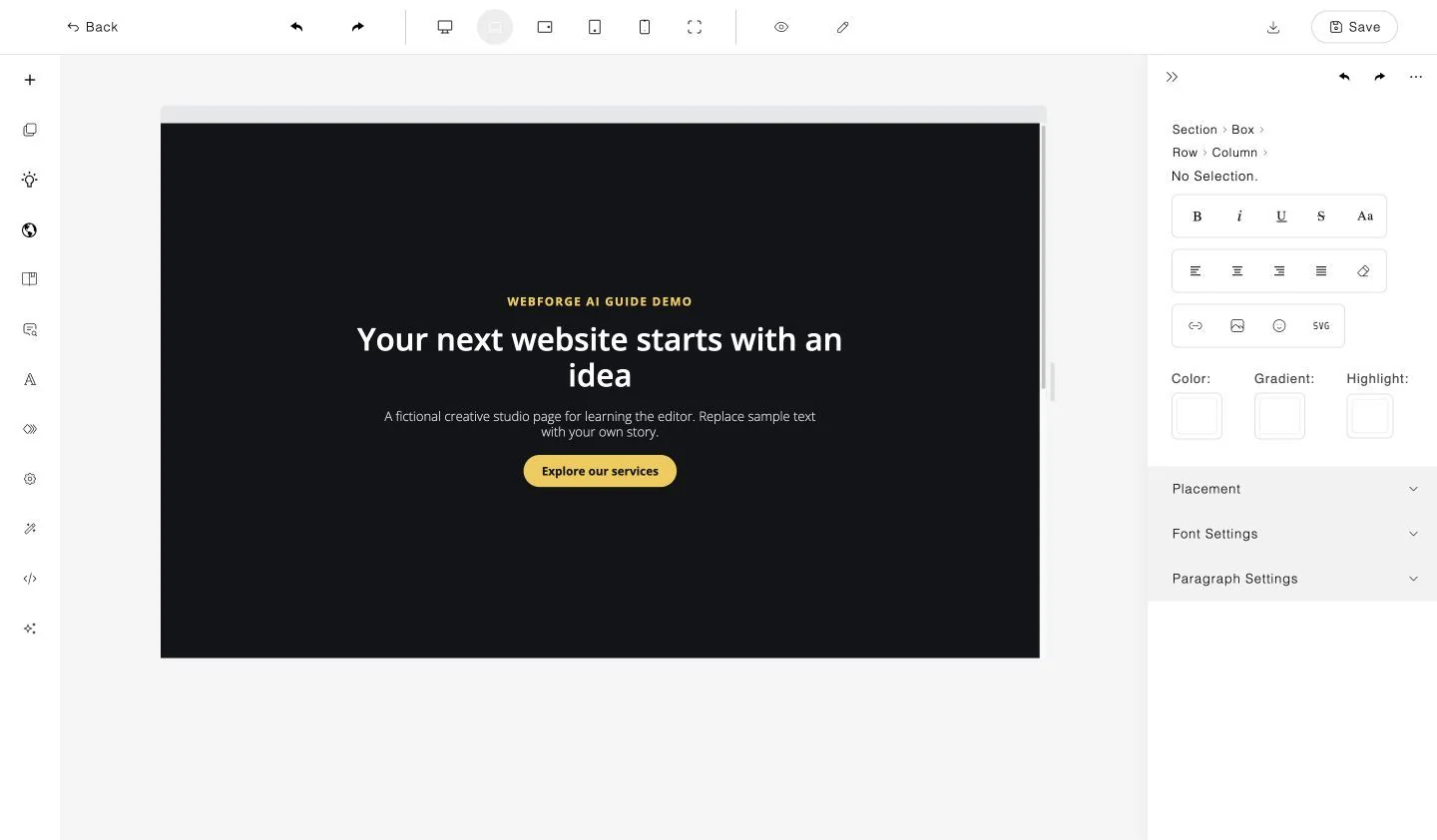
Actual WebForgeAI editor · Tutorial example from the user guide
A place for your next
SMALL TOOLS. MORE POSSIBILITIES.
Less busywork. More room to make it yours.
A little inspiration, on repeat.
PUT YOUR IDEAS TO WORK
For your business. For your clients. For what’s next.
Your next project starts here. AI tools depend on your account and providers; external checkout and partner services are connected separately.
FROM A LITTLE IDEA TO A REAL WEBSITE
Start small. Make it yours. Build from there.
Describe your idea with AI, choose a template, or start with a blank page in your workspace.
Update your words, colors and layout. Add sections and check your design on desktop, tablet and mobile.
Preview and save your work, then publish to a WebForge-branded address with your chosen site name. Check the live website before sharing, or download HTML to host elsewhere.
TOOLS THAT KEEP YOU MOVING
From the first prompt to the final preview, keep the creative decisions in your hands.
Describe your page in AI Studio, choose an AI template, or explore AI Canvas. Pick the starting point that suits your project.
Choose a template to build on, or create a page from scratch. Your first step can be as simple as a headline and a few sections.
Edit your words, adjust colors and typography, and arrange sections with the visual editor. Keep your brand at the center.
Switch between desktop, tablet and mobile previews to refine your layout before sharing it.
Find pages, integrations and leads in your workspace. Separate your projects with the workspace tools.
Save and review your page, then publish to your WebForge-branded address. Open the live website before sharing, or download HTML for your own hosting.
AI features depend on your account and available providers. Review generated content and check your plan’s limits before launching a project.
ONE PRO PLAN. TWO WAYS TO PAY.
The same complete toolkit, whether you pay monthly or yearly.
INCLUDED WITH BOTH BILLING OPTIONS
Publish your site to a WebForge-branded address using your chosen site name. After deployment, open the live link, check your website and share it.
Download the HTML and host it anywhere, including DPL Host. External hosting is a separate service.
AI tools use the providers and models connected to your account. Review generated content before publishing. Analytics is a Pro app feature; this public website loads no analytics or advertising trackers.
Digital Paradise Ltd. confirms your payment and activates application access within 24 hours after successful payment. Your receipt is separate from your login. Already paid? Contact support before purchasing again.
Prices shown in USD. Checkout confirms the final currency, applicable tax and renewal terms. Review the Terms of Service and Refund Policy before purchasing. For plan limits and account questions, contact our team.
Payments handled securely by Stripe
THE WEBFORGEAI LEARNING HUB
A little guidance goes a long way. Read our complete illustrated guide, from your first page to editing, previews, forms and workspaces. Follow our YouTube channel for upcoming demos and tutorials.
New on YouTube: @websiteforgeAi. Video tutorials coming soon.
The free 55-page guide opens as a PDF in a new tab.
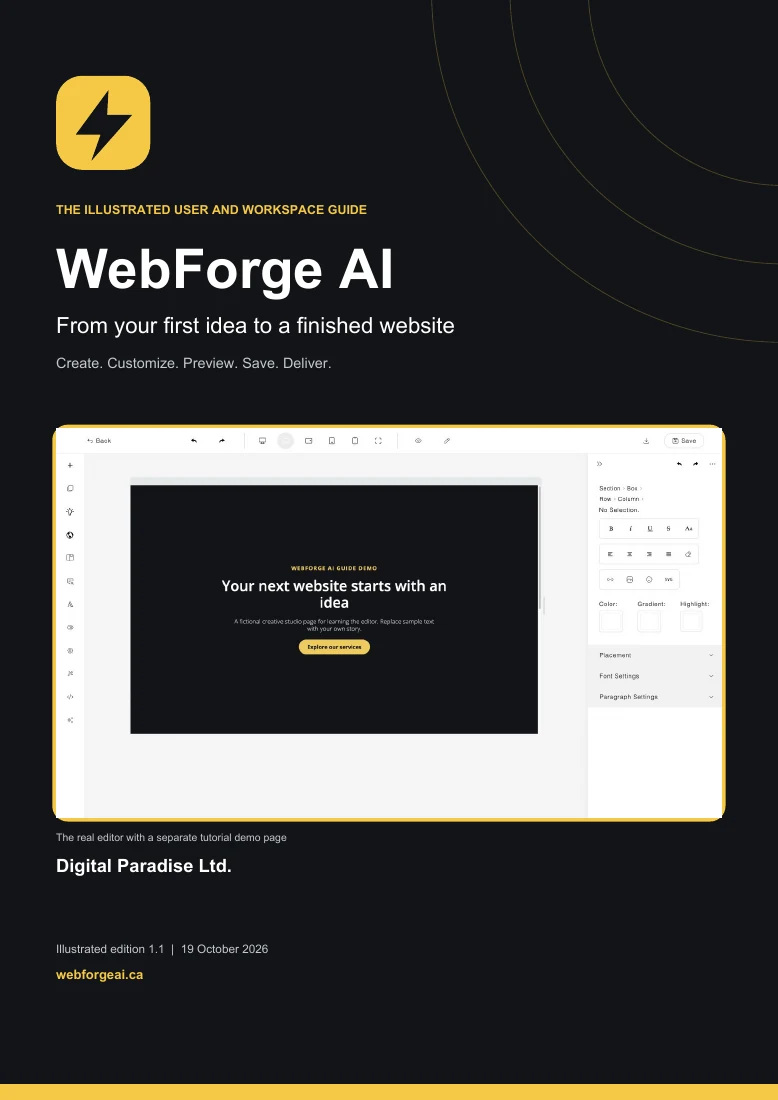
You can start with a template or use the visual editor without writing code. Describe what you want, customize the result, and review the page before sharing it. Advanced settings are available when you need them.
Digital Paradise Ltd. confirms your payment and activates application access within 24 hours after successful payment. Payment confirmation and application access are separate steps. Use the account instructions provided by the team. If you have paid and are waiting for access, email support with your purchase email and receipt reference before purchasing again.
Both options are the WebForgeAI Pro Plan with the same features: USD $49.99 per month or USD $499.99 per year. These are recurring subscriptions, not lifetime purchases. Review the amount, currency, taxes and renewal terms on the secure checkout page before paying.
You can create business websites and client pages using the workspace and editor tools. Check the current plan limits and review your content, asset permissions, forms and final destination before handing a project to a client.
AI Studio, AI Template and AI Canvas provide different starting points. Available AI features depend on your account and connected providers or models. Review generated text, images and layouts before publishing; the user guide explains the tools and connections.
Read the complete illustrated user guide and follow @websiteforgeAi on YouTube for upcoming videos. The guide covers creating pages, editing, previews, forms, integrations, workspaces and troubleshooting.
Email support@digitalparadise.ca for account and payment questions. Include your purchase email and receipt reference, but never your password or full card details. You can also join our WhatsApp group for general questions.
Read the published Refund Policy and Terms of Service before purchasing. There is no advertised free trial or money-back guarantee. Contact support if you have a payment question.
Deploy your website to a WebForge-branded address with the site name you choose. Open and check the live link, then share it. You can also download HTML and use a separate hosting service of your choice.
MAKE SOMETHING THAT’S YOURS
Choose your Pro billing option, explore the guide, or talk to our team.
Opens our WhatsApp community group.
For private account questions, please email support.